NES / Famicom · Action
Elevator Action (Japan)
Elevator Action (Japan) is a NES game from 1985, by Micronics.
1985Action
No download. No account. Just play.
GET INTO THE GAME
Make yourself at home.
Wait for the startup screen to finish loading, then press Enter for START. If the startup screen remains, wait and try START again. Keyboard to controller mapping: ArrowUp → UP; ArrowDown → DOWN; ArrowLeft → LEFT; ArrowRight → RIGHT; x → A; z → B; Enter → START; Shift → SELECT. On touchscreens, use the on-screen directions and buttons.
ArrowDown ArrowLeft ArrowRight ArrowUp Movex A / actionz B / actionEnter StartShift Select
Touch controls appear on mobile. A standard gamepad can be connected before or during play. More mappings are available in the player settings.
CONTENT & COPYRIGHT
Respecting creators.
Created by Micronics. Game names and content belong to their respective rights holders.
If you hold the rights to this content or act on behalf of the rights holder, you can submit a copyright complaint. We review reports and take affected content down when a rights issue is identified.
Report a copyright concern →
Copyright & removal policy ↗
Before you press playA recent Chrome, Edge, Firefox or Safari is recommended. On phones, rotate to landscape for more room. Device and gamepad support can vary.
NES / FamicomAction · 1987
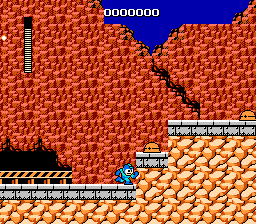
The blueprint for action platformers: Rockman is Japan's original Mega Man, Capcom's 1987 debut.
Play in your browser 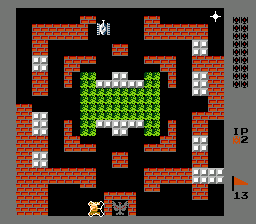
NES / FamicomAction · 1985
Its construction mode for building custom levels was years ahead of its time.
Play in your browser 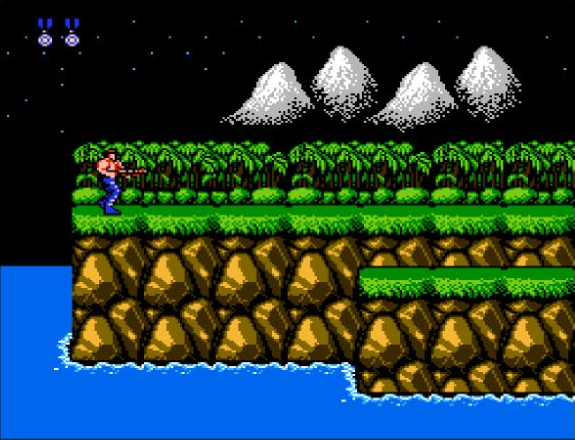
NES / FamicomAction · 1988
Collection edition ARun, jump and blast through eight stages of alien warfare in Konami's legendary run-and-gun.
Play in your browser
Gameplay and features
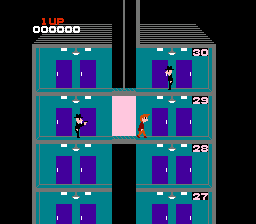
A character is standing on a platform with a character nearby, while another character is on a different platform with a character beside them.
This edition
Japan edition for NES.
How to start
Wait for the startup screen to finish loading, then press Enter for START. If the startup screen remains, wait and try START again. Keyboard to controller mapping: ArrowUp → UP; ArrowDown → DOWN; ArrowLeft → LEFT; ArrowRight → RIGHT; x → A; z → B; Enter → START; Shift → SELECT. On touchscreens, use the on-screen directions and buttons.
Verified controls
Keyboard to controller mapping: ArrowUp → UP; ArrowDown → DOWN; ArrowLeft → LEFT; ArrowRight → RIGHT; x → A; z → B; Enter → START; Shift → SELECT. On touchscreens, use the on-screen directions and buttons.