← Back to game

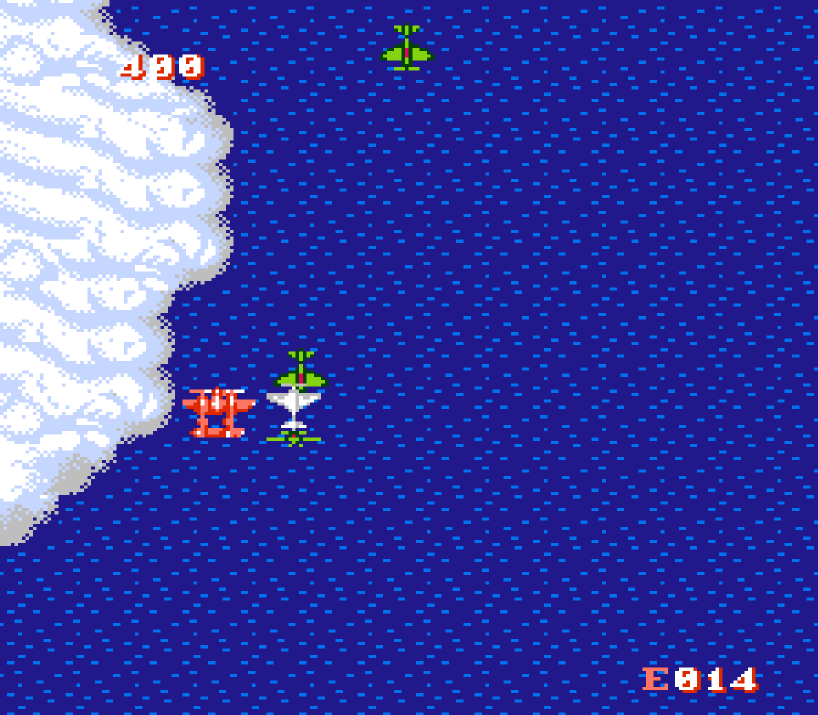
1943 - The Battle of Midway (USA)

NES / Famicom

One more round?

Get comfortable. Your game is ready when you are.

Keyboard:↑↓←→ MoveX AZ BShift SelectEnter Start

Once the game is running, press Start to begin play.

Once the game is running, tap Start to begin play.

Mobile and gamepad compatibility is still being tested. If play is unstable, try a desktop browser and keyboard.

On iPhone, tap Share → Add to Home Screen to play without Safari’s address bar.

Game settings

Controls & tips

Wait until the title screen shows PUSH START BUTTON, then press and release Enter (START); on touchscreens, press and release START. Wait for DISTRIBUTE Pts TO POWER UP YOUR P-38. Press and release z (B) three separate times to allocate the three points; on touchscreens, press and release B three times. When IS THIS OK? appears with YES selected, press and release z (B) once more, or B once more on touchscreens, to confirm. Then wait for the opening sequence to finish and gameplay to begin.

Connect a standard gamepad to play with a controller. Use the player's control settings to remap inputs. Pause before switching tabs.

Game keys

X A Z B ↓ Down ← Left → Right Shift Select Enter Start ↑ Up

While this menu is open, press a key to see which control it is. The game does not receive it.

Key editing has not been verified for this game version.

Controller editing has not been verified for this game version.

Start the game to adjust touch controls.

Start the game to use A/B repeat.

Click Start game, then use the controls below.

Checking for a controller…

↻ Rotate your phone for a little more room to play.