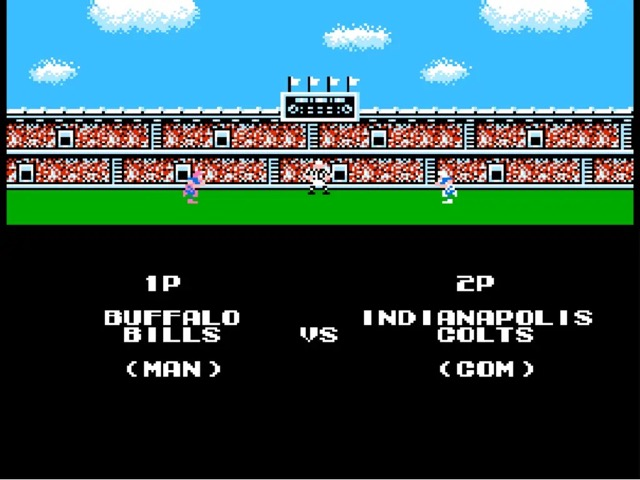
Tecmo Super Bowl (USA)
NES / FamicomGame settings are unavailable in this browser.
Paused
Press Enter or click Resume to continue.
Off you go!
- Game Start Enter
- Menu Esc · Pause, saves and controls are in the Menu.
- Tap Start to begin.
- Tap ☰ Menu for pause, saves and controls.
Move and resize the controls for this game.
Adjust controls
Game paused. Drag a control, or use the sliders.
Opacity changes appearance only. Button hit areas stay the same.
Click Start game, then use the controls below.
Checking for a controller…
↻ Rotate your phone for a little more room to play.
Runtime: EmulatorJS 4.2.3 · Licenses and copyright policy · Report a copyright concern